The 10 Best Keyboard Shortcuts In Windows 10
How much time do you waste clicking around each day? Probably a lot. Keyboard shortcuts are such a great tool to do little things on your computer faster, reduce steps and save time, so you can focus more on what’s important.
Free yourself from email stress!
Reduce the number of emails you get by changing the structure of the emails you send.
Learn how with this simple one-pager.

In this post, you’ll learn:
- my 10 favorite keyboard shortcuts in windows with images
Not what you were looking for? How about this ⬇️?
My favorite 10 Keyboard Shortcuts on Windows to Save Clicks and Time
When I started my job as an Office Manager, I had to switch from Mac to PC (Windows) because certain programs I needed for my administrative tasks did not run on Mac. I realized pretty quickly how reliant I was on using certain keyboard shortcuts. The shortcuts below are my top 10 I relearned immediately to do my job.
They are in order, to the best of my recollection.
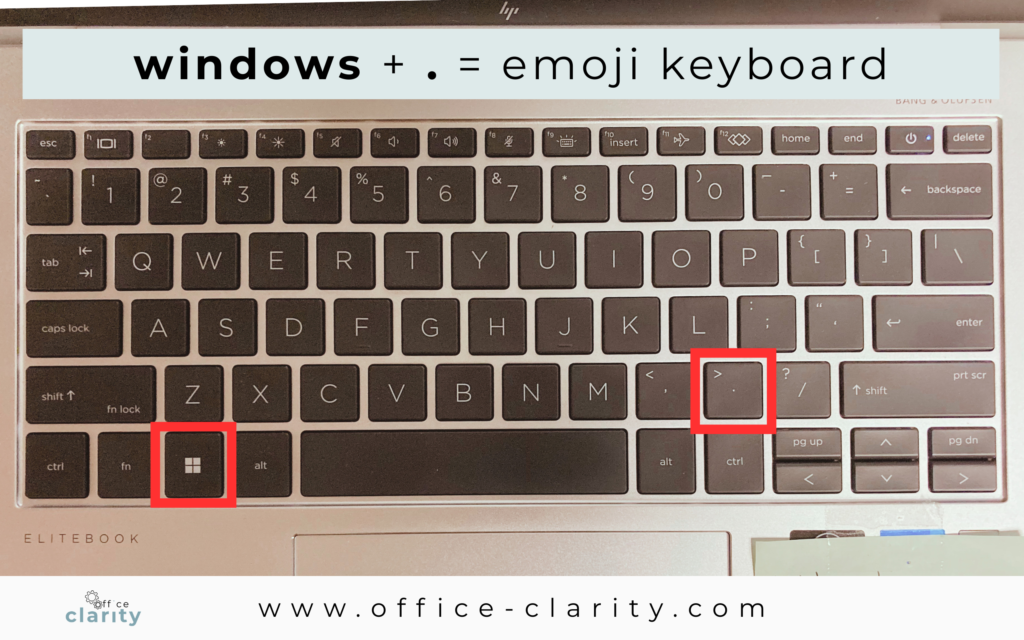
And secretly, my favorite shortcut to date is the emoji keyboard 😉 ⌨️
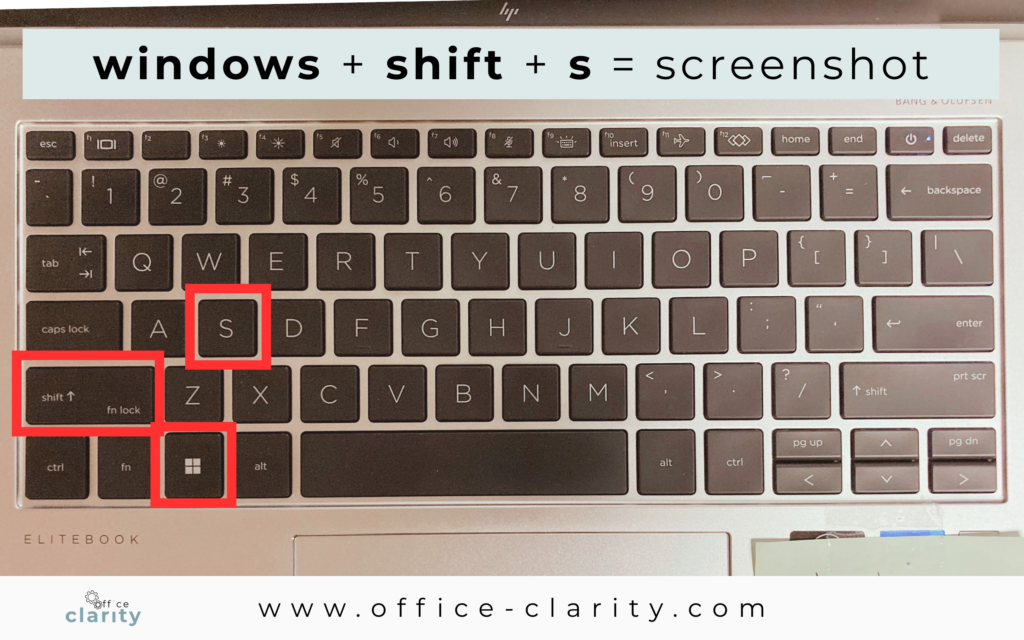
Shortcut Windows Screenshot
Windows + shift + s
I have an entire blogpost on taking screenshots: how-to-take-a-screenshot-on-windows/ – that’s how imporatant the snipping tool is.
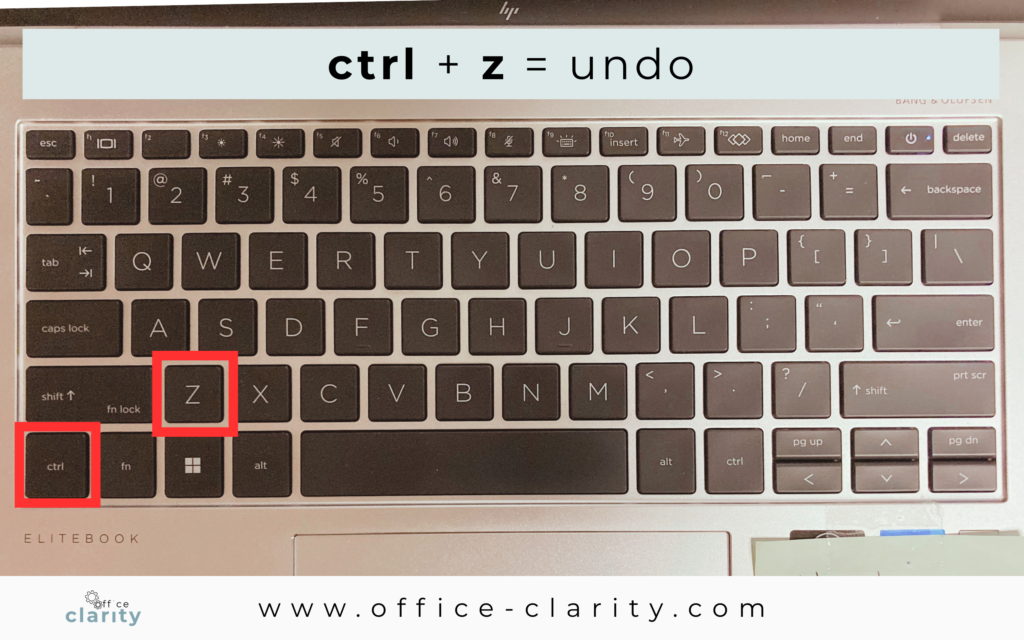
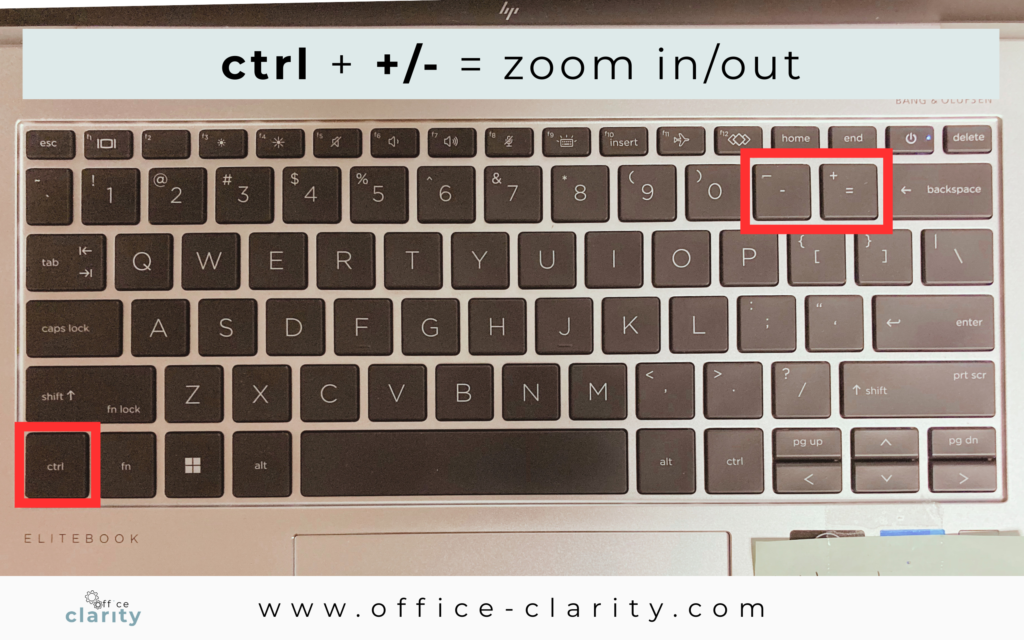
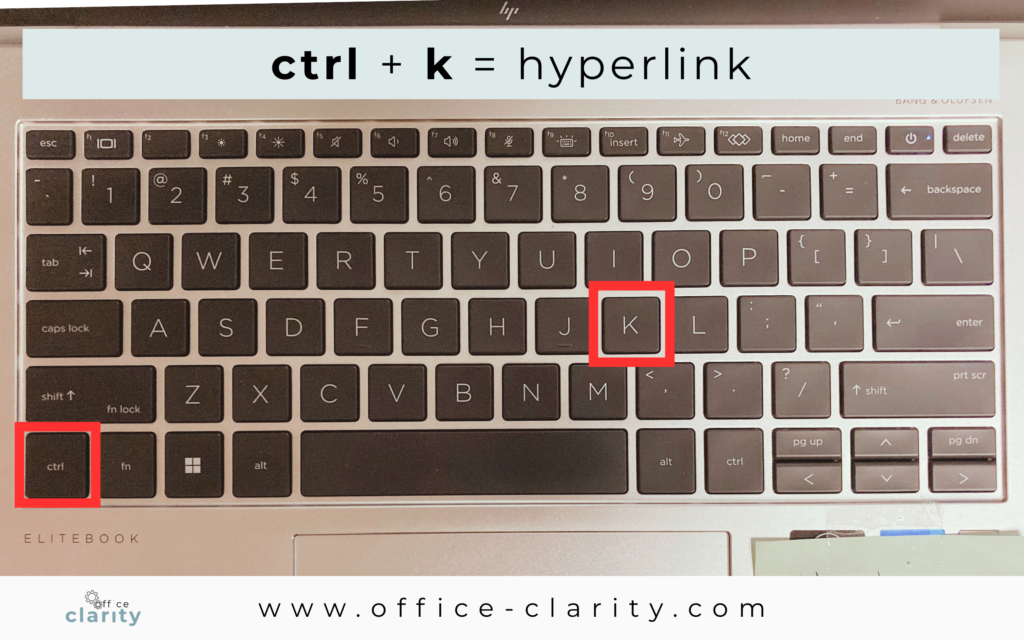
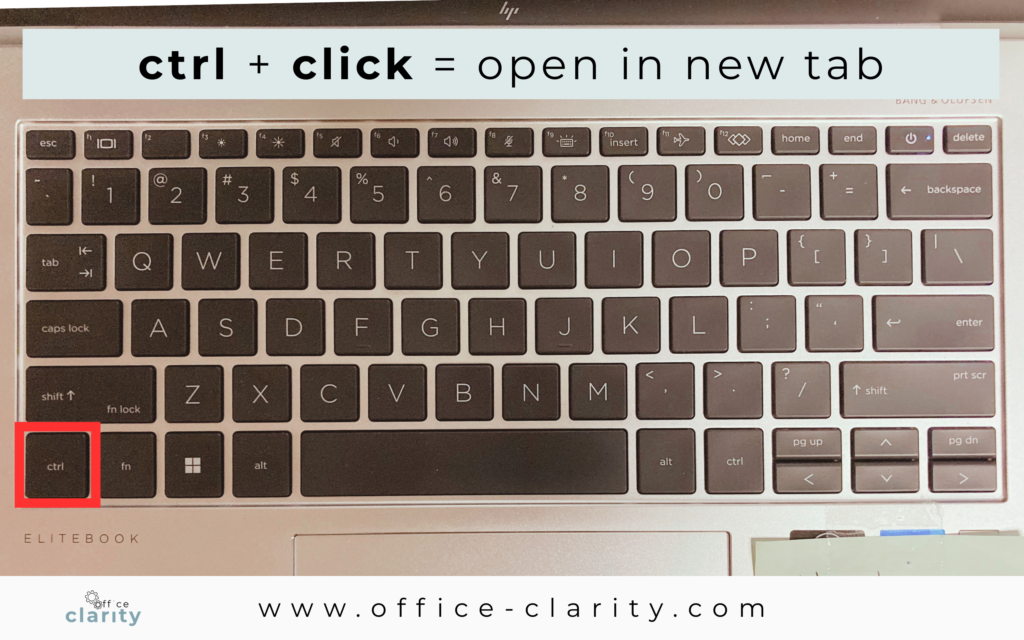
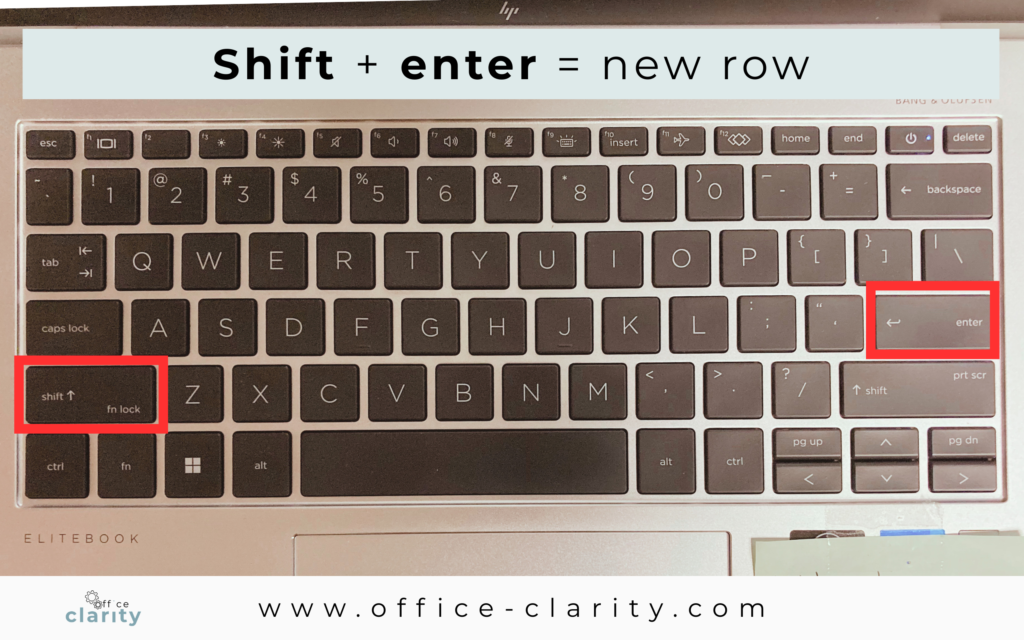
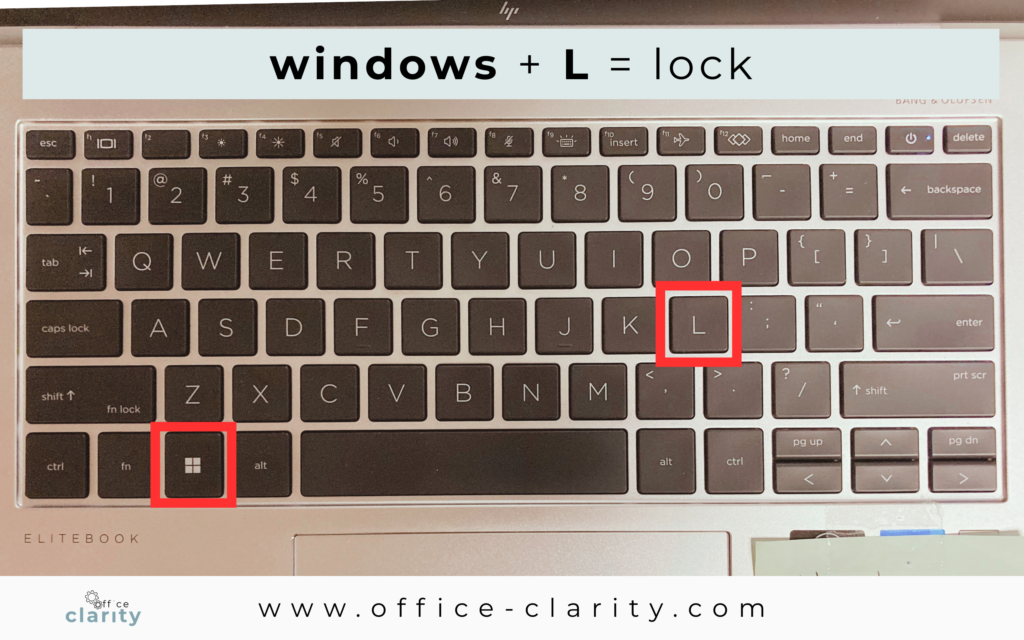
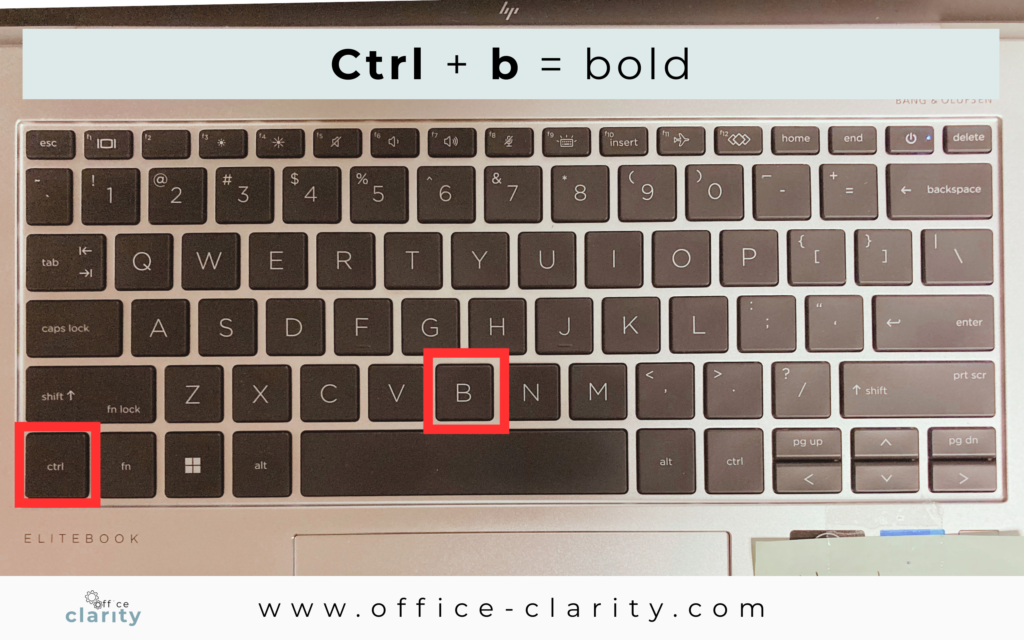
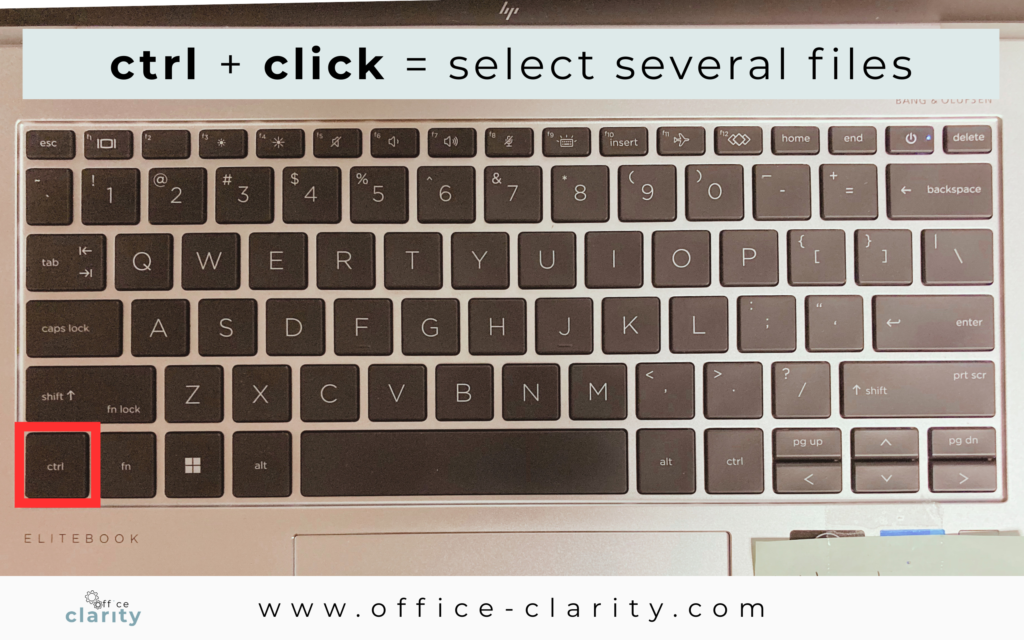
Select Several Files
ctrl + click
This shortcut is a game-changer for file organization.
For example, if you want to rename multiple files at once and the files you want to select are not listed right after one another but randomly.
I hope these shortcuts are helpful for you. Let me know in the comments, if I missed any essential ones, or if your top 10 looks different.
With Clarity,
Susann
You May Also Be Interested In:
p.s.
One More Thing:
I am sure you would not say “no” to receiving fewer emails altogether. What if I told you there is a way you might not have thought of? A method that will reduce the number of emails you receive… I personally guarantee it!
Curious and willing to learn? Click below to receive your free email template for every future email you’ll write.
Write? Yes. You’ll see.