The Ultimate Guide to Email Subject Line Examples For Meeting Request
Using successful email subject line examples for meeting request is key for your email to stand out, get opened and ultimately read. A clear subject line that states a meeting request will avoid any email back and forth resulting from follow-up questions. So, get your meeting on the books in no time by letting your recipient know what you want before they even open the email.
Do you need a meeting?
Quick detour before we get to the actual subject lines: Are you sure you need this meeting? Reducing meetings can mitigate stress at the workplace.
But – if you do have a valid reason for the meeting and it’s something that can’t be discussed via a well-structured email, go for it.
3 Tips for email subject lines:
- Be brief.
- Be specific.
- Be clear.
Free yourself from email stress!
Reduce the number of emails you get by changing the structure of the emails you send.
Learn how with this simple one-pager.

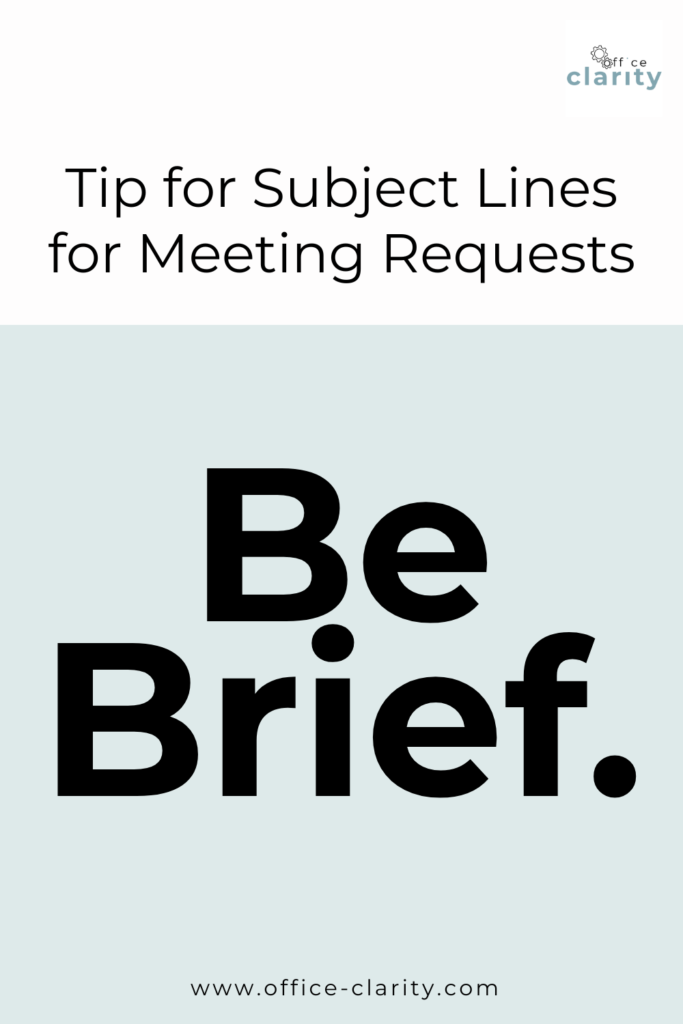
1. Be Brief
Keep your Email subject line to 30 to 50 characters or 4 to 7 words so your subject line is obvious at a glance.
Keeping your subject lines short increases the likelihood that the recipient of your email will read the subject line. If your recipient reads your subject line, they are more likely to open your email.
Unopened meeting request emails don’t result in meetings. Opened meeting request emails do.
So, be short and sweet and you’ll get what you need.
That even rhymes.
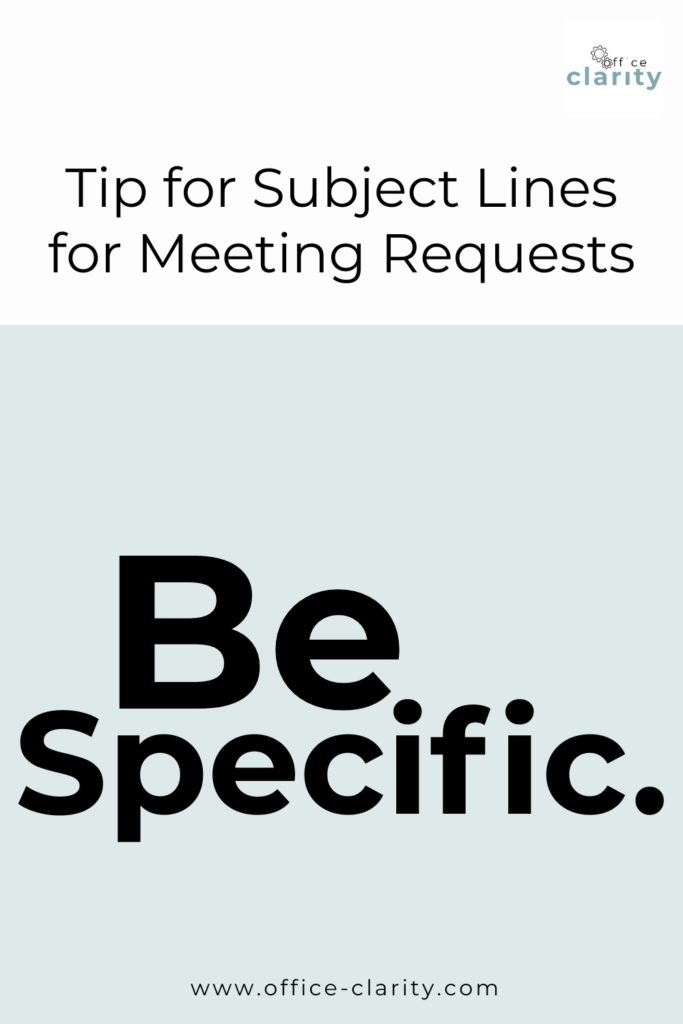
2. Be Specific
Get to the point. You only have 4-7 words – make them count.
A good email subject line tells the recipient everything they need to know about what your email is about and what you want them to do.
In a subject line for a meeting request, say:
- What you want: a meeting/phone call/conversation
- What you want them do you: confirm a time /propose a time
- When and where: Details of the meeting date and time if available
For example:
👍🏼 : brief and specific
Confirm: Meeting re: audit | 10/31 9-9:30a.m. (virtual)
👎🏼 : to vague
Meeting for audit
3. Be Plain
What do I mean by that? Use Plain Language. Don’t use fancy words. Clear is kind. The simpler the word choice, the easier to read your subject line for a meeting request.
No one has ever complained about reading something and understanding it right away.
This mean skip the fancy big words, and just be plain and simple is what your meeting request is about.
Instead of: Inquire for facilitated discussion to formulate consensuses on [Topic] say Meeting request: solution finding for [Topic]
| Complicated language | Plain language |
| Inquiry | Request |
| Facilitated discussion; discourse | Meeting |
| formulating consensus | align |
| converse | talk |
What Other People are Suggesting for Email Subject Lines Examples for Meeting Request:
Tobi Agbede from Notta suggests a lot of subject lines in this article https://www.notta.ai/en/blog/meeting-request-subject-line. The following are my favorites that I would use.
- Meeting invitation from {name} on {topic}
- Request to chat about {topic}
- Confirm our meeting on {date}
- 1:1 feedback session
The author of this article https://www.brevo.com/blog/meeting-request-email suggests the following subject lines:
I bolded my 3 favorites.
- Request for meeting on [meeting date]
- Let’s meet on [meeting date]
- Hope to meet with you next week
- Request to connect
- Request to chat about [meeting topic]
- Proposing time to discuss [meeting topic]
- Check-in to discuss [meeting topic]
Ultimately, the style of your email subject lines depends a little bit on your own style.
A brief, specific and plain meeting request subject line can come across as cold and unfriendly. If you think so, keep in mind: Clear is kind.
Would you rather read a subject line that’s to the point or miss an important meeting because you didn’t even open the email due to the vague subject line?
Let me know your strategy in the comments.
Want More Tips For An Easier Office Life? Consider these Articles:
How to Set up Rules for Outlook for Guaranteed Inbox Clarity
How to be Less Stressed at the Office with This Easy Email Habit
Email Back and Forth: The Best Way to End It For Good
Just Another Day at the Office – A Simple Daily Structure
How to Write a Professional Email Out of Office Notice
3 Proven Tips for Email Management Best Practices Outlook
How to Save an Email as a Template in Outlook
Rule for Gmail Inbox? 7 Easy Clicks to Set Them Up
How to Get Back Your Focus in the Workplace
Renaming Multiple Files at Once in 7 Surprisingly Easy Steps
How to Share and Email Template in Outlook and Why You Should Do It
How to Set Up a Mail Merge on Word
The Ultimate Guide to Email Subject Line Examples for Meeting Request
How to Organize Files Mac Step by Step Guide
How to Organize Files on Mac Computers
3 Easy Steps to Saving Templates in Outlook Desktop Mac
p.s.
One More Thing:
I am sure you would not say “no” to receiving fewer emails altogether. What if I told you there is a way you might not have thought of? A method that will reduce the number of emails you receive… I personally guarantee it!
Curious and willing to learn? Click below to receive your free email template for every future email you’ll write.
Write? Yes. You’ll see.