How to be Less Stressed at the Office with This Easy Email Habit
What Your Stress at Work May Look Like
If you are wondering how to be less stressed at the office, you are probably experiencing something similar to this:
You can’t keep up with your workload.
You feel constantly interrupted.
You can’t focus.
You get too many emails or other instant communication to keep up with.
You feel like you are just spinning in circles.
At the end of your day you wonder: “How was I so stressed at work today and feel like I got nothing done?”

Is Email the Reason Causing You Stress at the Office?
Think about it. How much does your email inbox have to do with your stress at work? Would your workday be less stressful if your employer abandoned your inbox tomorrow? Probably not
. You currently are likely getting a seemingly never-ending stream of requests, questions, automated notification and newsletter into your email inbox on a daily basis.
Free yourself from email stress!
Reduce the number of emails you get by changing the structure of the emails you send.
Learn how with this simple one-pager.

I am sure you have told yourself more than once: I am getting too many emails.
And you’re right. Emails are keeping you from focusing on the tasks that would actually move your work, your group, and even your organization forward.
Instead, your email inbox pops up automatically as soon as you log in. Before you ever had the chance to decide for yourself on what’s most important today, someone else’s agenda already starts dictating your day.
Let me picture your day. You come in the office, you drop off your bags. You say “hi” to a couple of people, get situated and, if you’re lucky, the guy 4 cubes over already made coffee.
You turn on your computer and as your screen lights up, so does Outlook – as well as your instant messenger.
And as you just glance at the interface, you can immediately tell you have new “to dos” in your inbox and you’re pulled right in…
Now it’s 3 hours later and all you did was answer questions and concerns from other people.
You didn’t touch your own to do list yet – and your focus time for the day is out the window.
You have lunch in an hour and meetings in the afternoon… another day comes to an end and you feel like you have not checked off a thing of your to do list…

Take Back Control of Your Email Inbox
While you may think that you have little control over your email inbox, let me tell you that you do! Here are a few methods you can try:
- Leave your email closed until you actively open it, instead of having your email program automatically open as soon as you turn on your work computer.
- Complete an item on your to-do list from prior days before you open your email.
- Scheduling yourself early morning focus time for completing some deep work.
- Book a meeting with yourself in a conference room to complete focus time in the middle of the day.
- The first time you check your emails, just check for any immediate fires. If there are none, close your email program again for 2 hours. You may find that some questions might have resolved themselves in the meantime.
Create Space Again For the Work You Were Hired For
You might think: “I just can’t. Everyone else has their email open all the time.” Or, “I am afraid I am missing something.”
Both of those things might be true. And here is what else is true: You are important for your role. Your employer would not have hired you for it otherwise. The important work you do has probably little to do with spending too much time in your inbox. Instead, you were probably hired for other work.
By leaving your email inbox closed at the beginning of your day, you do make room for the work you once chose as your profession.
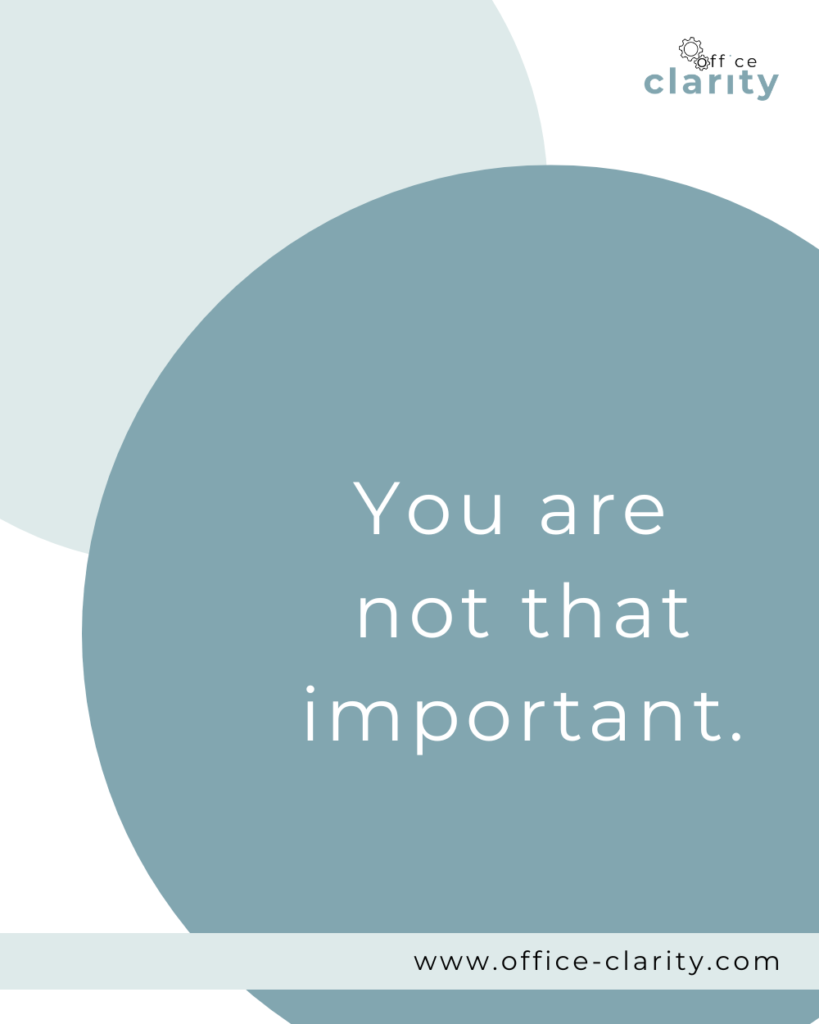
The second thing that is true is: You are not that important. That may sting. But I don’t mean it that way. Tell me: What happens when you’re out sick or on vacation? Yes, exactly. The train moves on. The train might be a little slower, but it does continue to run. This means that the worktrain will also move on if you start checking your emails a little later in the day.
I Reduced My Stress At Work Starting With Just 30 Minutes
When I felt the stress from a fast-paced job as an Office Manager, especially during the summer months when I first started, I realized that the reason for my stress were the many many and constant emails I received.
At the time, I usually started my day around 8. One day, I resolved to change the settings on Outlook. This meant my email inbox would stay closed when I logged on to my computer.
I had a pending standard operating procedure I needed to finish from the day prior. So I grabbed my laptop and a cup of coffee, sat by a window and knocked out that SOP. It was maybe just 30-60minutes of focus time, but it was magical.
I felt like, I had moved some actual work forward. So, I did it again the next day and the next, and ever since (most days).
You, Too, Can Change Your Work Day
Inspired? It’s such a small thing to not check your emails right away in the morning, but think about the impact it could have for you. If you could pick one thing to work on tomorrow morning right away, what would it be? You can make it happen if you commit to keeping your inbox closed.
I am curious to hear if not looking at your email right away will have a positive effect on your perceived stress level. I hope it will.
Want More Tips For An Easier Office Life? Consider these Articles:
How to Set up Rules for Outlook for Guaranteed Inbox Clarity
How to be Less Stressed at the Office with This Easy Email Habit
Email Back and Forth: The Best Way to End It For Good
Just Another Day at the Office – A Simple Daily Structure
How to Write a Professional Email Out of Office Notice
3 Proven Tips for Email Management Best Practices Outlook
How to Save an Email as a Template in Outlook
Rule for Gmail Inbox? 7 Easy Clicks to Set Them Up
How to Get Back Your Focus in the Workplace
Renaming Multiple Files at Once in 7 Surprisingly Easy Steps
How to Share and Email Template in Outlook and Why You Should Do It
How to Set Up a Mail Merge on Word
The Ultimate Guide to Email Subject Line Examples for Meeting Request
How to Organize Files Mac Step by Step Guide
How to Organize Files on Mac Computers
3 Easy Steps to Saving Templates in Outlook Desktop Mac
p.s.
One More Thing on Email:
I am sure you would not say “no” to receiving fewer emails altogether. What if I told you there is a way you might not have thought of? A method that will reduce the number of emails you receive… I personally guarantee it!
Curious and willing to learn? Click below to receive your email template for every future email you’ll write.