How To Easily Organize Your Inbox in 5 Steps
Have you ever said or thought, “My inbox is overwhelming?”
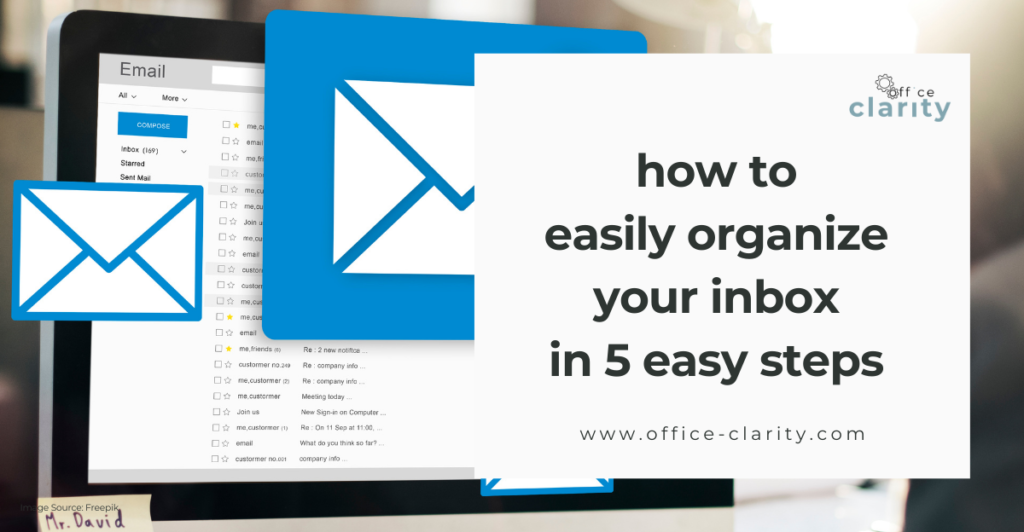
Would you like to receive fewer emails?
In this post, you’ll learn:
- how to manage your inbox in 5 steps
Not what you were looking for? How about this ⬇️?
Organize your inbox in these 5 steps
It took me to have a very overwhelming inbox and manage several others on behalf of departments or leaders to understand how distracting an inbox is. In previous jobs, where I was driving my work, I could not really relate to people complaining about the constant flow of emails. But now, in the middle of a Senior Leadership office administration, I learned the hard way. And I would not have survived in this job, had I not implemented the 5 steps below very very quickly (weeks) into the role.
Let me show you.
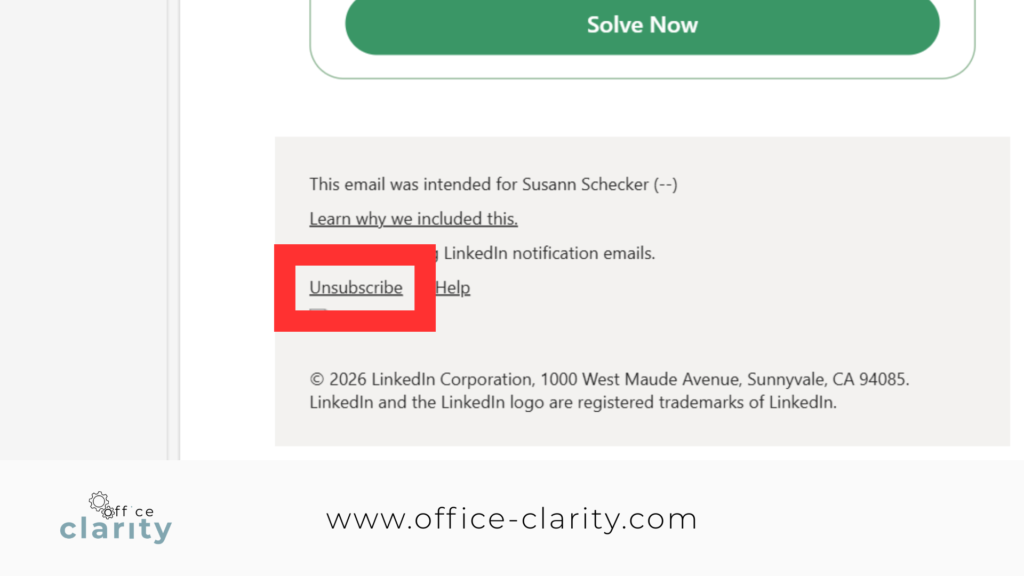
1. Unsubscribe
Unsubscribe from any external emails you receive and no longer need. Maybe you don’t even know why you receive them in the first place.
Just every time you receive one, hit that unsubscribe button. If you are subscribed to my newsletter and it’s not serving you – unsubscribe from that, too 🙂
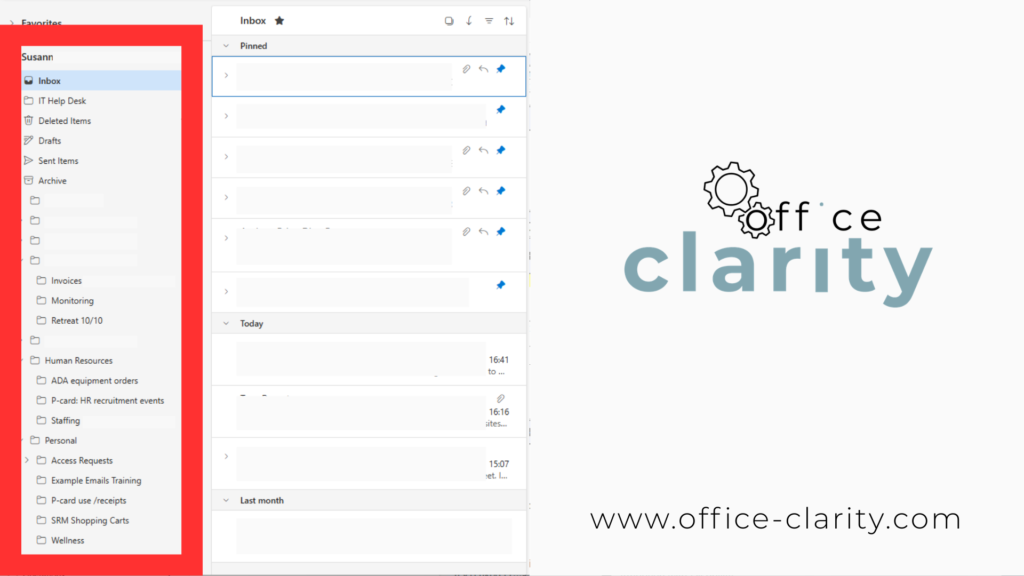
2. Create folders
Use folders for emails you want to keep and organize. Then, move emails from your inbox into those folders as you work through them.
Or, automate foldering.
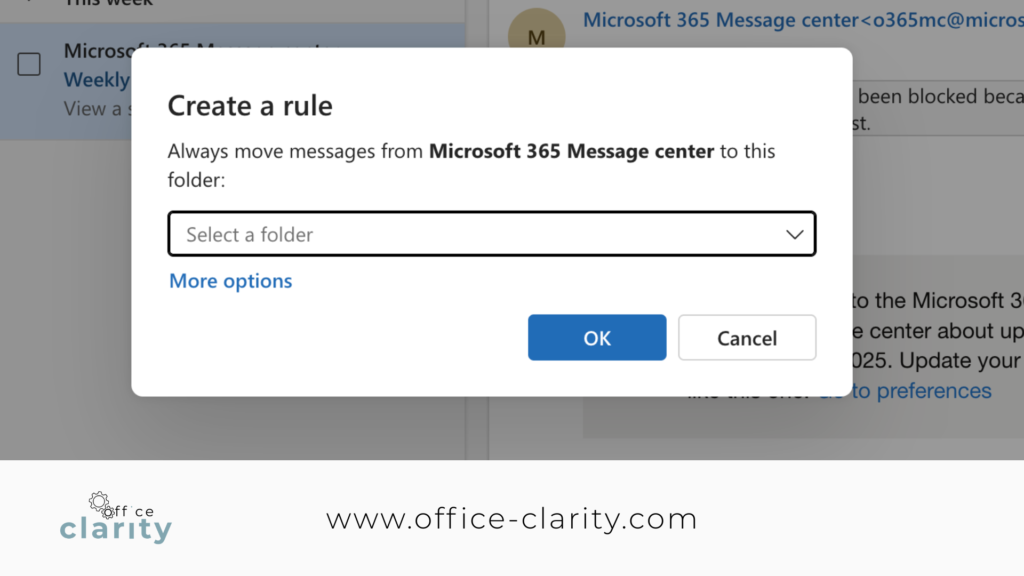
3. Create Rules
I could not live without Outlook rules.
Rules for Outlook automatically move emails into folders, delete them, or forward them.
For example: All automated recurring notifications, newsletters, and reports don’t even make my inbox, but land in folders.
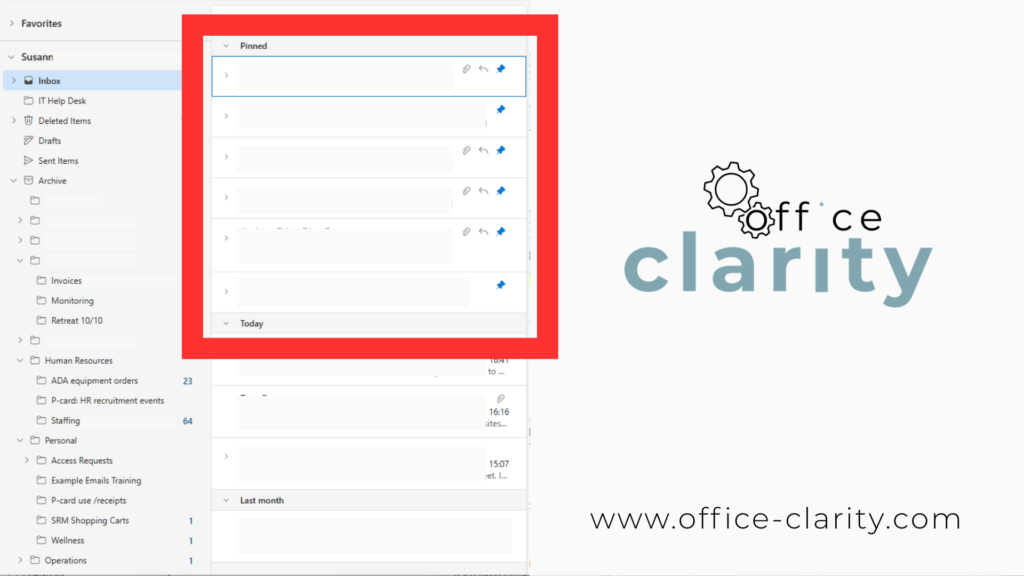
4. Pin/Flag Emails
Your inbox should be a lot lighter by now.
Now you can create a hierarchy within your inbox. You can pin and flag emails.
I do this the following way:
Flag = This has absolute priority.
Pin = I am waiting for a response, so I can take action or consider it resolved.
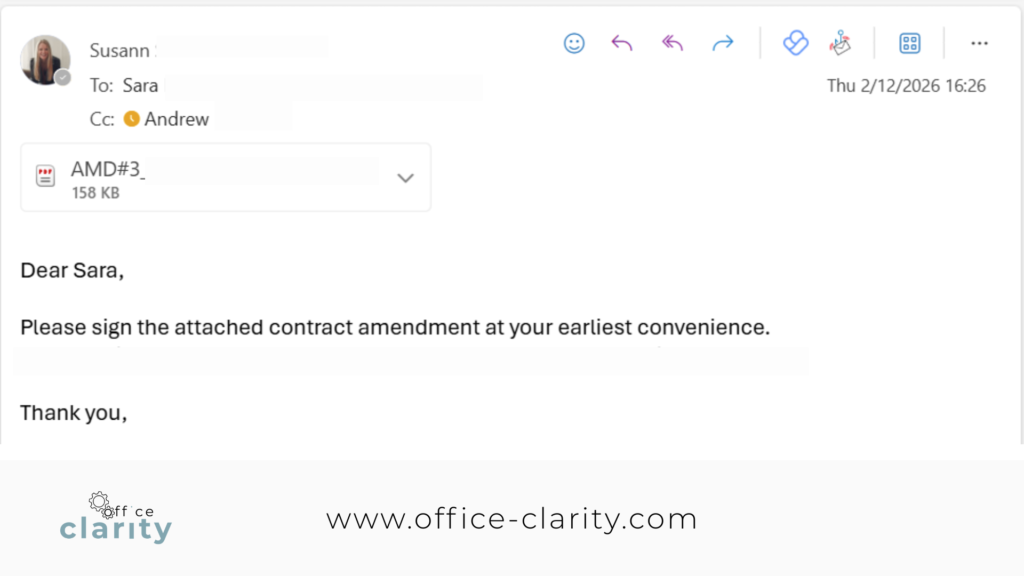
5. Write clearly
When you rule out all automated email notifications, how many emails you get highly depends on how people write emails.
The clearer you tell people what you need from them, the less follow-up you will get.
You May Also Be Interested In:
p.s.
One More Thing:
I am sure you would not say “no” to receiving fewer emails altogether. What if I told you there is a way you might not have thought of? A method that will reduce the number of emails you receive… I personally guarantee it!
Curious and willing to learn? Click below to receive your free email template for every future email you’ll write.
Write? Yes. You’ll see.